Author: Paul Sammy – Oracle ACE, 5th March 2026
A simple walk through of the installation of Oracle 26ai on Oracle Enterprise Linux 9
Review: Oracle AI Database Database Installation Guide, 26ai for Linux
Pre-requisites
- Min 1Gb RAM, 2GB RAM recommended
- Oracle Linux 9.2 with the Unbreakable Enterprise Kernel 7: 5.15.0-201.135.6.el9uek.x86_64 or later
Oracle Linux 9.2 with the Red Hat Compatible Kernel: 5.14.0-284.30.1.el9_2.x86_64 or later - Set Transparent HugePages to madvise
- 1 GB of space in the /tmp directory.
- Between 1 GB and 2 GB: 1.5 times the size of the RAM
Between 2 GB and 16 GB: Equal to the size of the RAM
More than 16 GB: 16 GB - Unset Oracle software environment variables
- ORACLE_HOME: Oracle recommends that you allocate approximately 100 GB
Install Oracle 26ai Pre Requisite RPM
rpm is also available on : Oracle AI Database 26ai Download for Linux x86-64
dnf install -y oracle-ai-database-preinstall-26aiRun orachk
- Autonomous Health Framework (AHF) – Including Trace File Analyzer and Orachk/Exachk
- KB858617
./orachk -profile preinstallDetermine desired folder structure
see: Optimal Flexible Architecture File Path Examples
example:
ORACLE_BASE=/u01/app/oracle
ORACLE_HOME=/u01/app/oracle/product/23.26.1/dbhome_1
ORAINVENTORY=/u01/app/oraInventory
Create Directories and set permissions as root user
mkdir -p $ORACLE_BASE
mkdir -p $ORACLE_HOME
mkdir -p $ORAINVENTORY

chown oracle:oinstall $ORACLE_BASE
chown oracle:oinstall $ORACLE_HOME
chown oracle:oinstall $ORAINVENTORY

chmod 750 $ORACLE_BASE
chmod 750 $ORACLE_HOME
chmod 770 $ORAINVENTORY
Download s/w and copy to target ORACLE_HOME
https://www.oracle.com/uk/database/technologies/oracle-database-software-downloads.html#db_ee
as user oracle
cp LINUX.X64_2326100_db_home.zip /u01/app/oracle/product/23.26.1/dbhome_1
cd /u01/app/oracle/product/23.26.1/dbhome_1
unzip LINUX.X64_2326100_db_home.zip
Start Oracle Installer
as user oracle in /u01/app/oracle/product/23.26.1/dbhome_1
./runInstallerPerform Software only installation
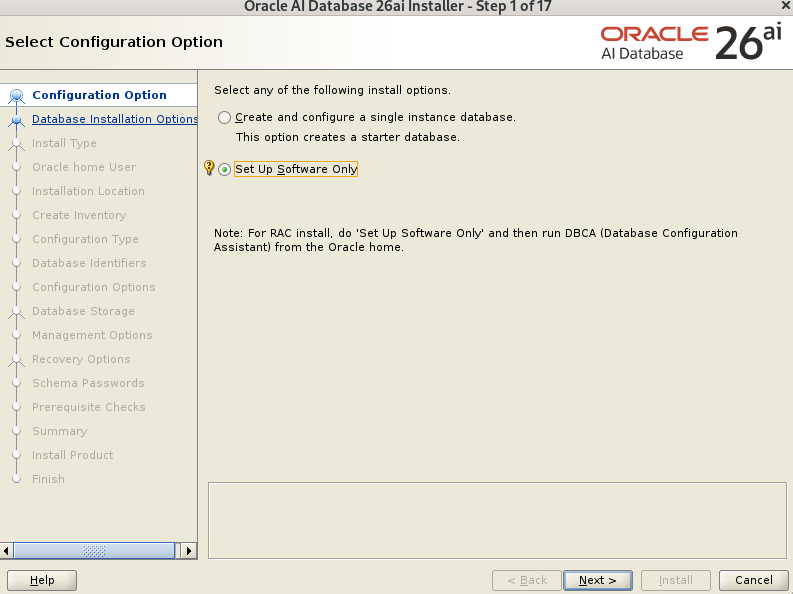
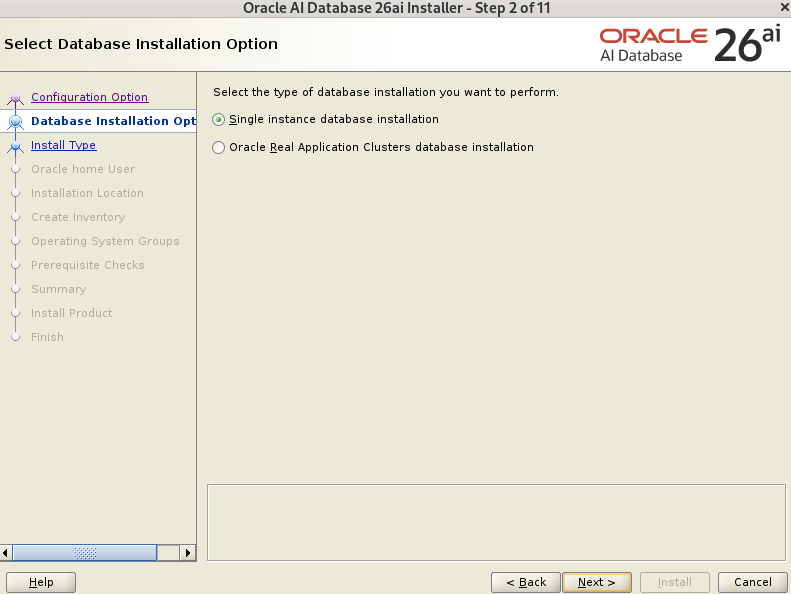
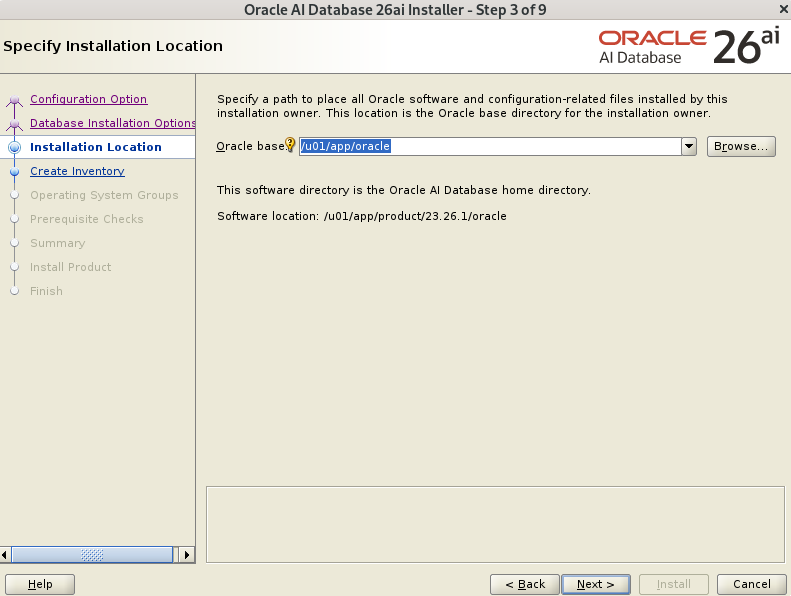
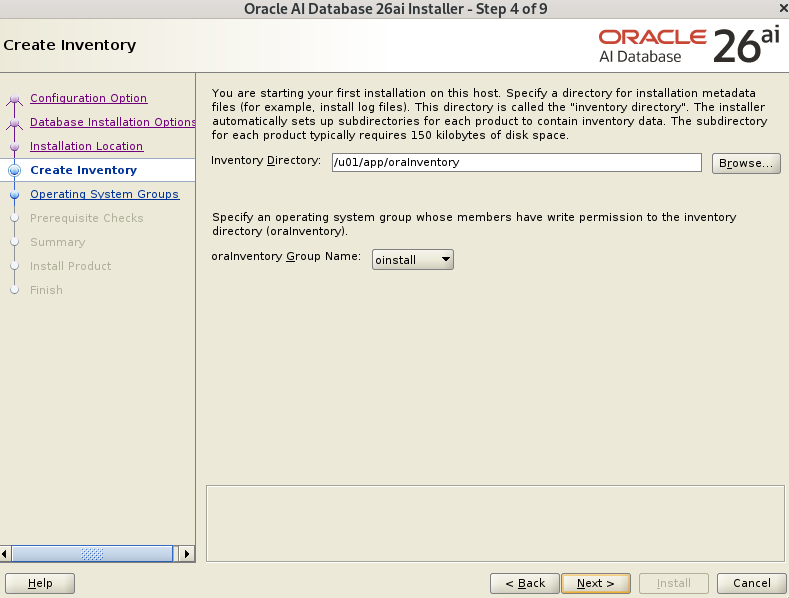
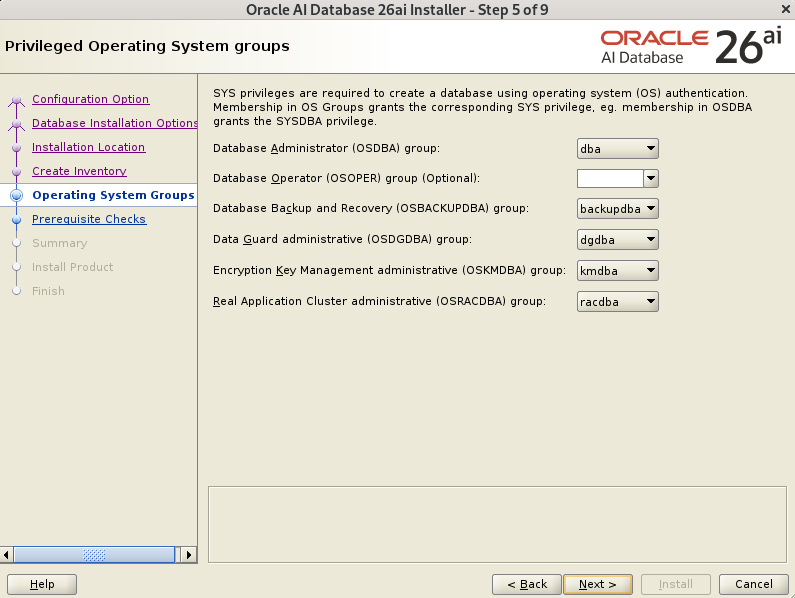
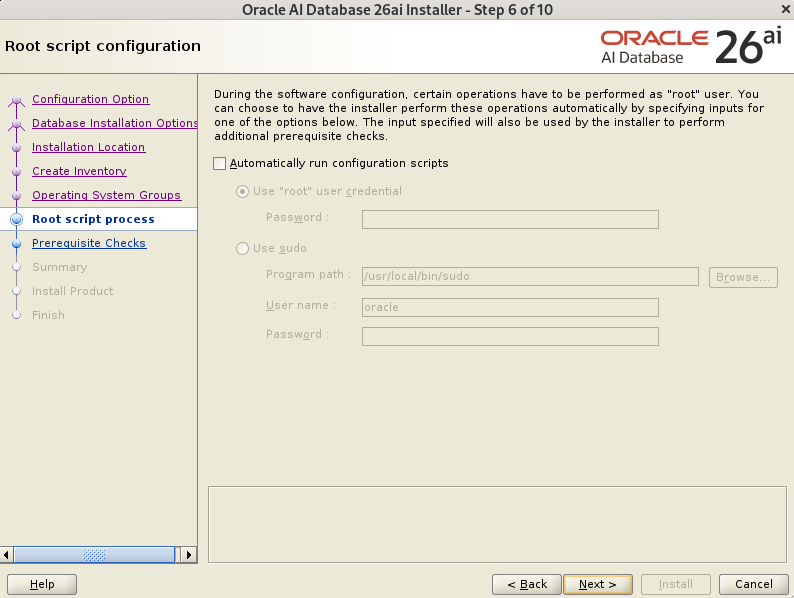
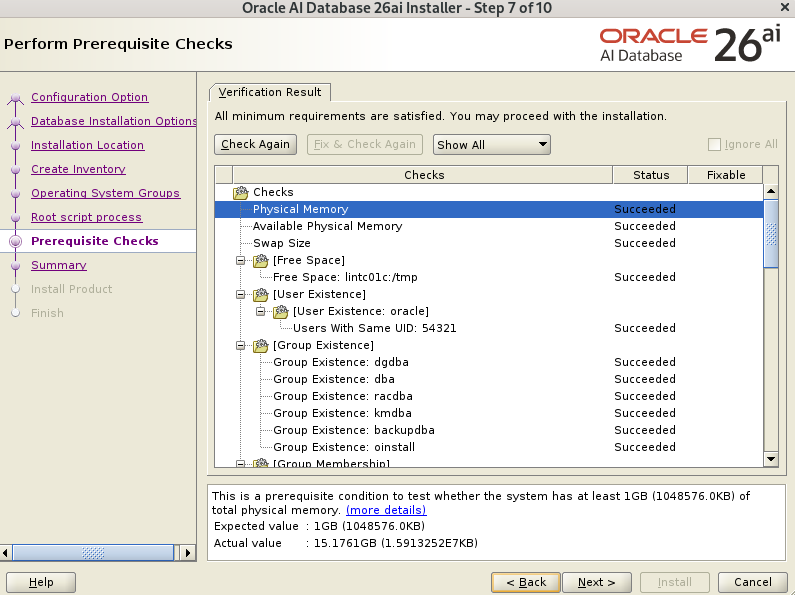
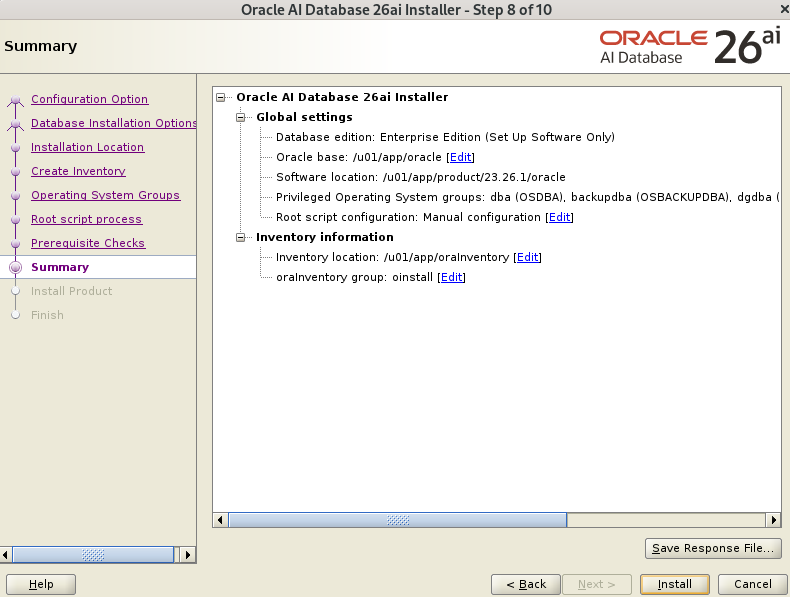
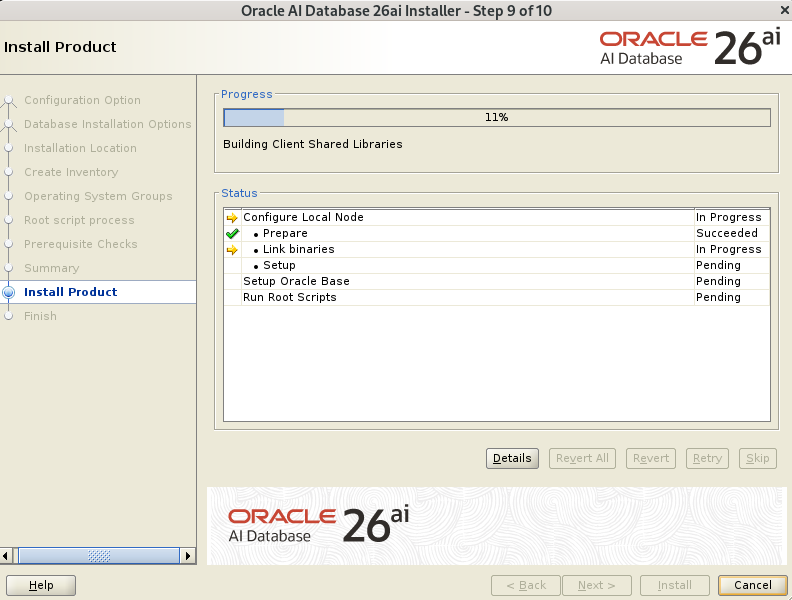
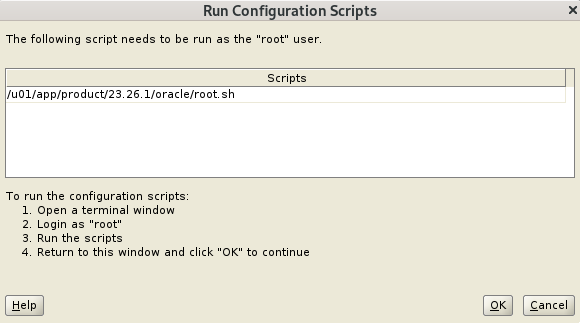
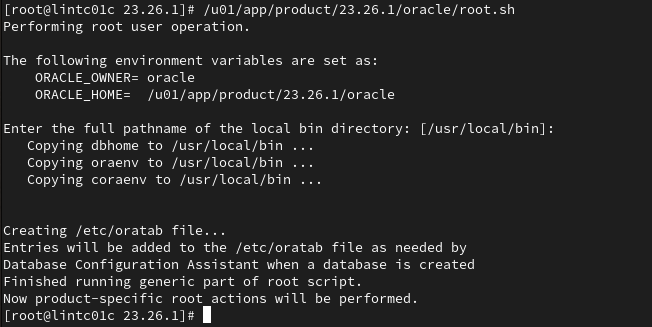
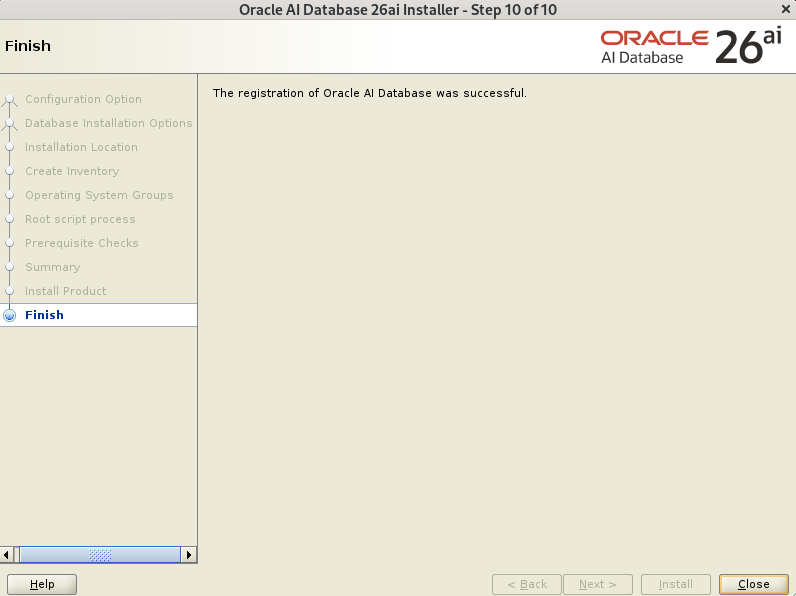
as user root:
/u01/app/product/23.26.1/oracle/root.sh